Web design is evolving rapidly with the integration of AI technologies. AI can assist designers in various ways, from generating design elements to automating complex layout tasks. Figma, known for its collaborative and versatile design environment, supports numerous AI-driven plugins that can significantly enhance productivity and creativity. This guide will delve into the benefits of AI in web design and highlight some of the best Figma plugins for automating layouts.
The Benefits of AI in Web Design
1. Enhanced Efficiency

AI tools can automate repetitive and time-consuming tasks, allowing designers to focus on more creative aspects of the project.
- Task Automation: AI can handle tasks such as resizing images, adjusting typography, and aligning elements.
- Speed: Automation speeds up the design process, reducing the time from concept to completion.
2. Consistency and Precision

AI ensures consistency and precision across the design, maintaining a uniform look and feel.
- Uniform Layouts: AI can enforce consistent spacing, alignment, and sizing of elements.
- Error Reduction: Automated tools minimize human errors, leading to more accurate designs.
3. Enhanced Creativity

AI can generate design ideas and suggest improvements, boosting creativity and innovation.
- Design Suggestions: AI can provide alternative design options and layouts.
- Creative Freedom: Designers can experiment with AI-generated elements and styles.
Top AI-Powered Figma Plugins for Automating Layouts
1. Auto Layout

Overview
Auto Layout in Figma is a powerful feature that uses AI to automatically adjust and organize elements within a frame. It ensures that your designs are responsive and adaptable to different screen sizes.
Key Features
- Dynamic Resizing: Automatically resize elements based on their content.
- Consistent Spacing: Maintain uniform spacing between elements.
- Responsive Design: Create designs that adapt to various screen sizes and orientations.
Implementation Tips
- Flexible Frames: Use Auto Layout for frames that need to adapt dynamically to content changes.
- Nested Auto Layouts: Combine multiple Auto Layouts for complex responsive designs.
2. Magician

Overview
Magician is an AI-powered Figma plugin that helps generate design elements and provide creative inspiration. It can create icons, illustrations, and text based on your input.
Key Features
- Icon and Illustration Generation: Generate custom icons and illustrations based on your descriptions.
- Text Generation: Use AI to create placeholder text and content ideas.
- Design Suggestions: Receive creative design suggestions to enhance your projects.
Implementation Tips
- Creative Brainstorming: Use Magician during the brainstorming phase to explore new design ideas.
- Placeholder Content: Quickly generate placeholder text and images to speed up the design process.
3. Anima

Overview
Anima is a Figma plugin that bridges the gap between design and development by automatically generating responsive HTML, CSS, and React code from your Figma designs.
Key Features
- Responsive Code: Generate responsive code that adapts to different devices and screen sizes.
- Interactive Prototypes: Create interactive prototypes with real code.
- Code Export: Export clean, developer-friendly code directly from Figma.
Implementation Tips
- Design to Code: Use Anima to streamline the handoff process between design and development.
- Interactive Demos: Create interactive prototypes that can be tested and refined before development.
4. Figma to HTML
Overview
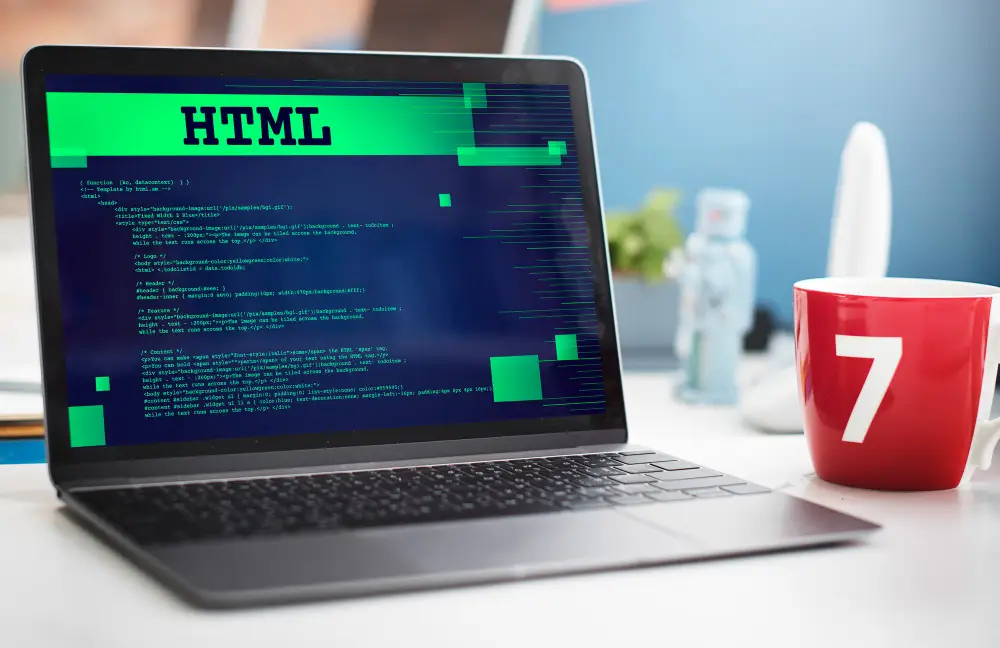
Figma to HTML is an AI-driven plugin that converts Figma designs into clean HTML and CSS code. It simplifies the process of turning static designs into fully functional web pages.
Key Features
- HTML and CSS Generation: Convert Figma designs into HTML and CSS code.
- Responsive Design: Ensure that generated code is responsive and adapts to different devices.
- Customizable Output: Customize the generated code to meet specific project requirements.
Implementation Tips
- Prototype to Production: Use Figma to HTML to quickly transform prototypes into production-ready code.
- Customization: Edit the generated code to fine-tune the final output based on project needs.
5. Design Lint
Overview
Design Lint is a Figma plugin that automatically checks your design for inconsistencies and suggests fixes. It ensures that your design adheres to best practices and maintains a high level of quality.
Key Features
- Consistency Checks: Identify inconsistent styles, spacing, and alignment.
- Error Detection: Detect design errors and receive suggestions for fixes.
- Quality Assurance: Maintain high design standards and best practices.
Implementation Tips
- Regular Checks: Use Design Lint regularly throughout the design process to catch and fix issues early.
- Team Collaboration: Ensure that all team members adhere to design standards by integrating Design Lint into your workflow.
Best Practices for Using AI in Web Design
1. Start with a Clear Vision
Define your design goals and requirements before using AI tools to ensure they align with your project’s objectives.
2. Combine AI with Human Creativity
Use AI tools to enhance your creativity, not replace it. Balance automation with personal design touches to create unique and engaging designs.
3. Test and Iterate
Regularly test your AI-generated designs with real users and iterate based on feedback to ensure they meet user needs and expectations.
4. Stay Updated
Keep up with the latest AI advancements and plugin updates to continually improve your design process and stay ahead of trends.
Conclusion
AI is playing an increasingly significant role in web design, offering tools that can automate repetitive tasks, optimize layouts, and enhance creativity. By leveraging AI-powered Figma plugins like Auto Layout, Magician, Anima, Figma to HTML, and Design Lint, designers can streamline their workflows, maintain consistency, and focus more on innovative and creative aspects of their projects. Embrace these AI tools to elevate your web design process and deliver exceptional digital experiences.